Resources for individuals and families
PR01, PR02, PR03 and onwardsPR means Practical Resource. Each guide addresses one everyday sight-loss problem for individuals, family members, carers and supporters.
Find the right problem code
PR resources are for individuals and families. ORG resources are for insurers, care providers and sensory services. Each code gives one clear topic that can be shared and expanded over time.
How the coding system works
PR means Practical Resource. Each guide addresses one everyday sight-loss problem for individuals, family members, carers and supporters.
ORG resources address practice, evidence, documentation and service problems for insurers, case managers, care providers, local authorities and sensory services.
The numbers are simply an easy way to find and discuss each resource. As the library grows, new resources continue with the next PR or ORG number.
Individuals and families
 PR01
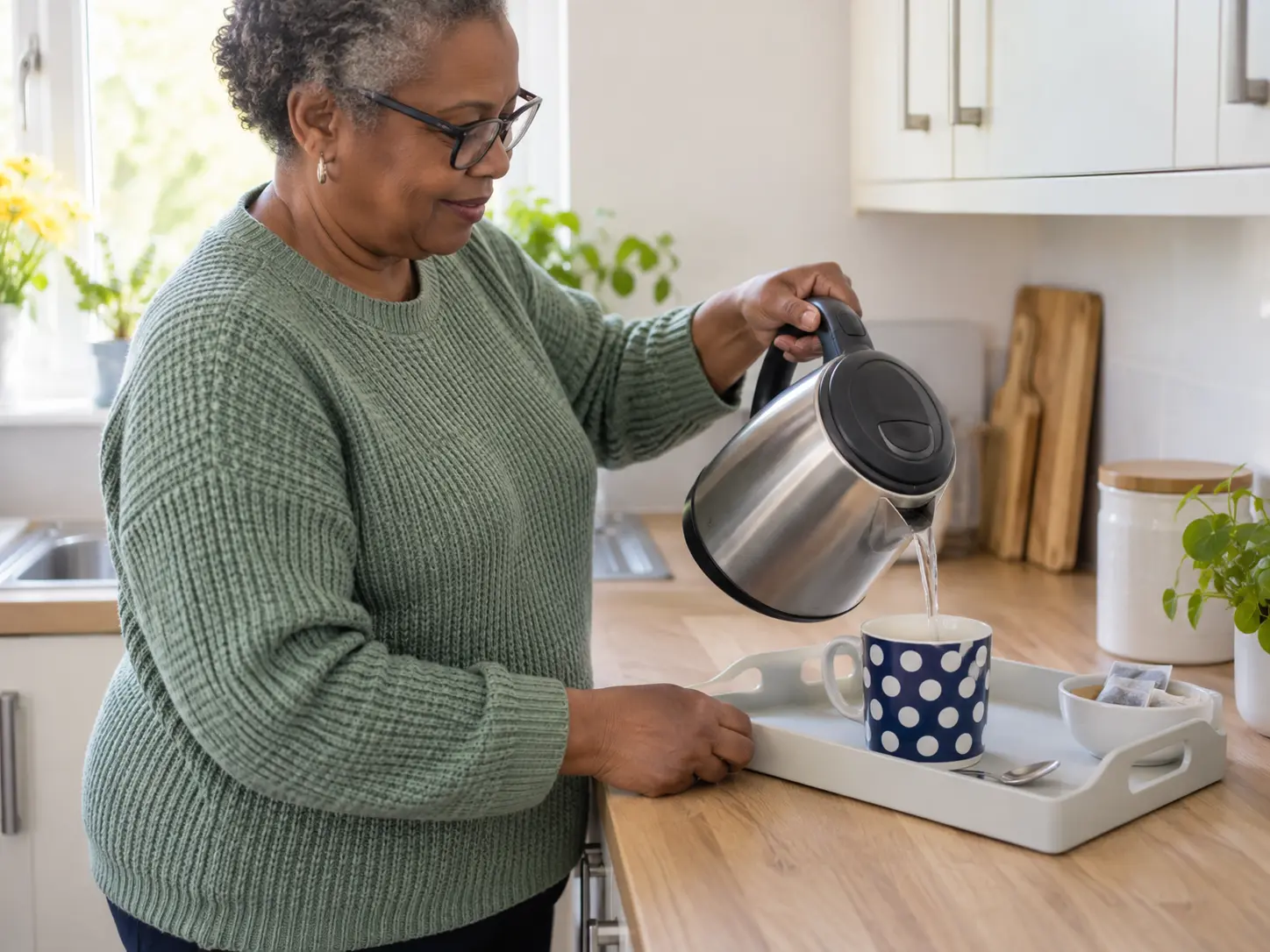
PR01Set up a repeatable workspace, improve contrast and reduce uncertainty around pouring.
Open PR01 →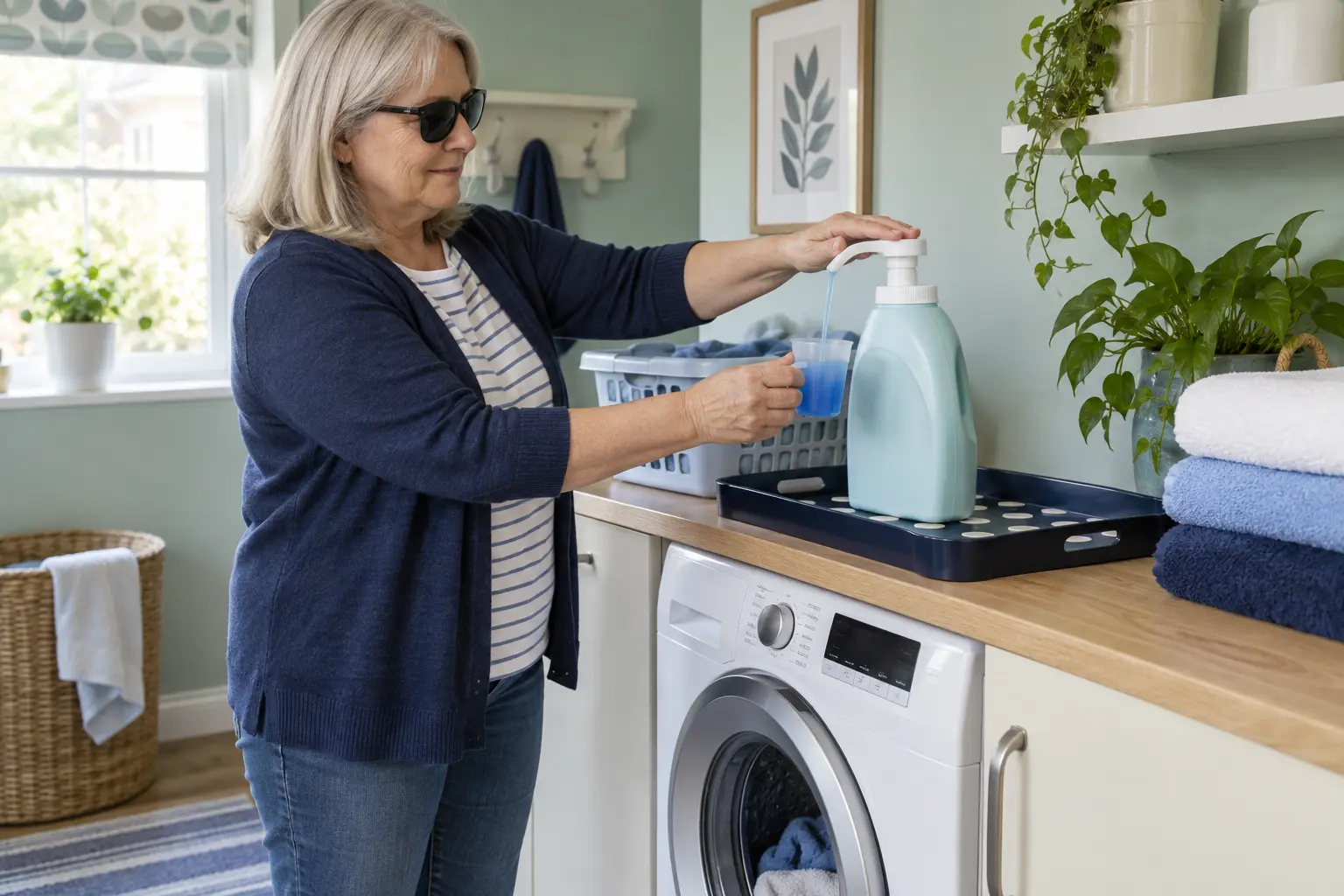 PR02
PR02Use stable positioning, touch contact and a repeatable measure to reduce spills.
Open PR02 →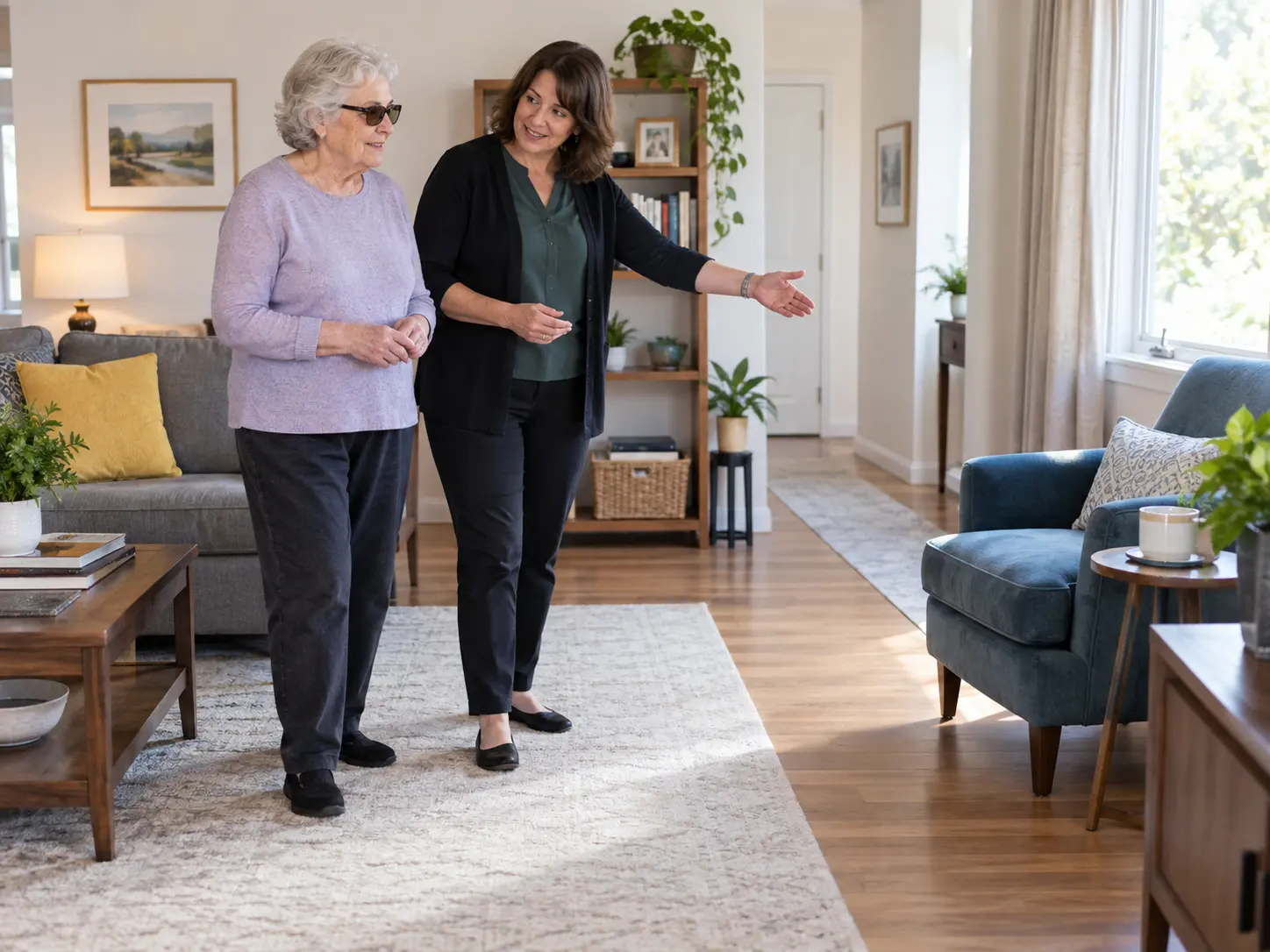 PR03
PR03Help with communication, routines and safer spaces without taking over.
Open PR03 →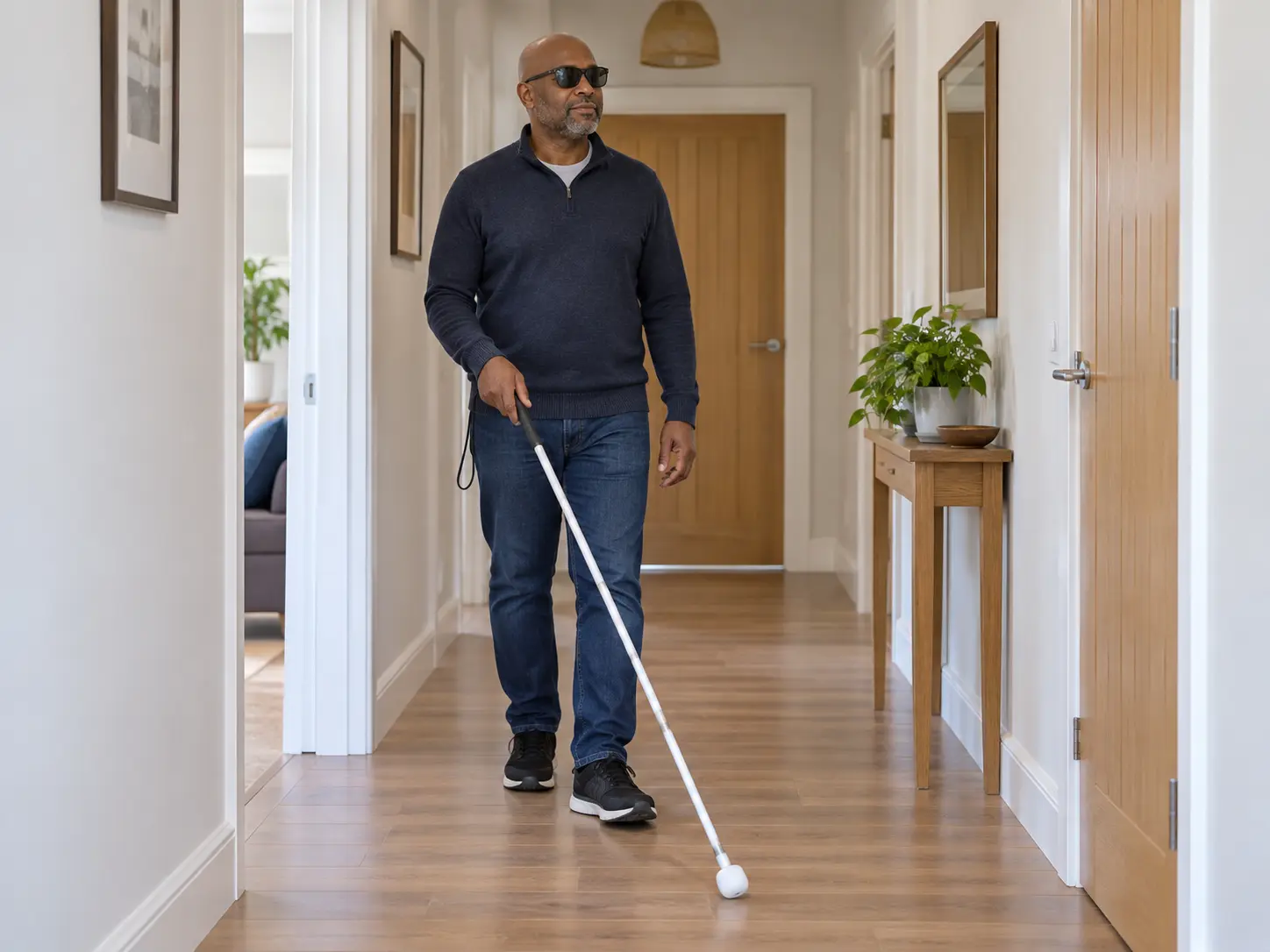 PR04
PR04Understand the different purposes of symbol, guide, long and support canes before choosing the next step.
Open PR04 → PR05
PR05Use clear walkways, lighting, contrast and consistent organisation to support safer movement at home.
Open PR05 →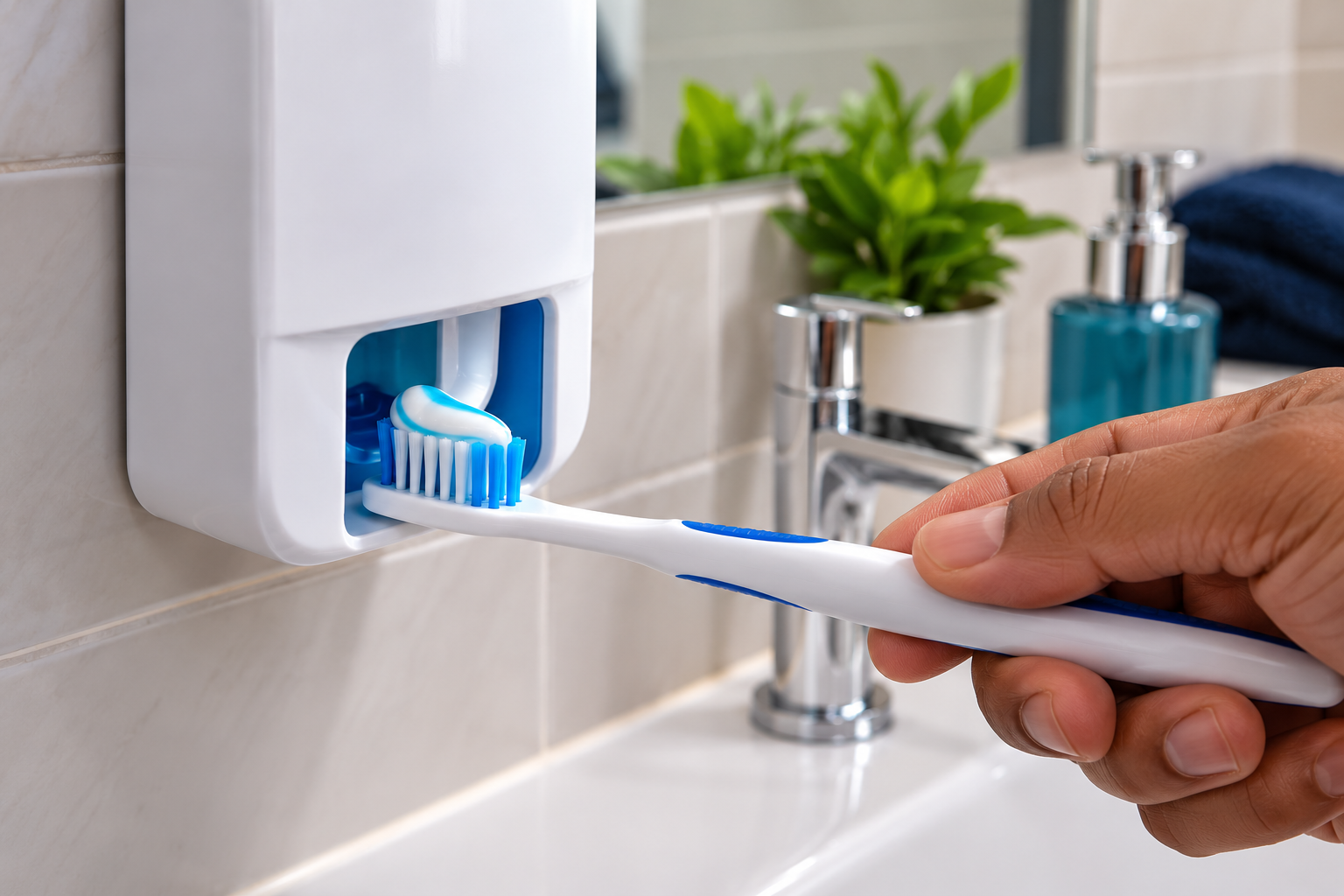 PR06
PR06Explore simple ways to make locating your toothbrush and applying toothpaste easier and more consistent.
Open PR06 → PR07
PR07Use tactile markers, different containers and consistent positioning to identify similar bathroom products.
Open PR07 → PR08
PR08Use an organised workspace, contrast and stable equipment to make everyday food preparation easier to manage.
Open PR08 → PR09
PR09Use consistent organisation and identification methods for personal care, clothing and medication routines.
Open PR09 → PR10
PR10Explore lighting, magnification, spoken access and accessible formats for everyday written information.
Open PR10 → PR11
PR11Use positioning, tactile markers, contrast and accessible technology to distinguish everyday items and money.
Open PR11 →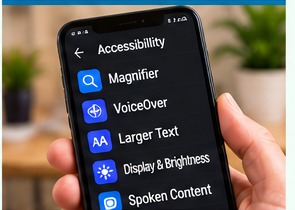 PR12
PR12Adjust text, contrast, magnification, speech and layout using built-in accessibility settings.
Open PR12 → PR13
PR13Use task lighting, glare control and contrast to make familiar home activities easier to see.
Open PR13 → PR14
PR14Describe difficulties and useful adjustments clearly to family, friends and professionals.
Open PR14 → PR15
PR15Build confidence through predictable environments, practical strategies and repeatable routines.
Open PR15 → PR16
PR16Use clear routes, consistent layouts and meaningful landmarks to support familiar indoor movement.
Open PR16 → PR17
PR17Identify barriers and practical adjustments that support social, leisure and community participation.
Open PR17 →Insurers, care providers and sensory services
Free practical resources for recognising sensory needs, turning information into action and strengthening evidence across everyday practice.
 ORG01
ORG01Notice functional changes, ask useful questions and respond without trying to diagnose.
Open ORG01 → ORG02
ORG02Recognise communication and participation clues that may indicate hearing difficulty.
Open ORG02 →Understand how combined sight and hearing difficulties can create additional barriers.
Open ORG03 →Use person-centred questions to understand what has changed, what works and what matters.
Open ORG04 →Look beyond labels to understand function, environment, strengths and priorities.
Open ORG05 →Turn sensory information into clear, practical instructions another worker can use.
Open ORG06 →Recognise meaningful changes in ability, behaviour, confidence or successful strategies.
Open ORG07 →Give identified sensory needs a clear action, owner and review point.
Open ORG08 →Bring information together and define the functional problem before choosing an intervention.
Open ORG09 →Match practical action to the identified need while supporting independence.
Open ORG10 →Record why an action was chosen and what benefit it is intended to achieve.
Open ORG11 →Check whether support actually changed the person's everyday experience.
Open ORG12 →Check whether the need, action and outcome remain current and effective.
Open ORG13 →Understand why a clinical label cannot describe everyday functional impact on its own.
Open ORG14 →Connect need, reasoning, implementation, experience, outcome and review.
Open ORG15 →Apply sensory thinking to risk, independence, adjustments and learning from incidents.
Open ORG16 →Connect assessment, staff capability, implementation and outcomes.
Open ORG17 →Support participation, accessible choice, dignity and independence.
Open ORG18 →Adapt communication, environment and support to individual and changing needs.
Open ORG19 →Move from isolated good practice to consistent organisational practice.
Open ORG20 →Explore the gap between documented support and what actually happens day to day.
Open ORG21 →Use everyday observations and review triggers to keep sensory support current.
Open ORG22 →Follow one connected pathway from identification through action, outcome and review.
Open ORG23 →Move beyond diagnosis and record how sight loss affects everyday function and useful support.
Open ORG24 →Record the person's preferred accessible-information format and make sure staff use it consistently.
Open ORG25 →Connect assessed need to clear practical actions staff can follow in everyday support.
Open ORG26 →Make goals, choices and feedback visible so records reflect what matters to the person.
Open ORG27 →Check that staff communicate and offer guidance appropriately without taking over.
Open ORG28 →Go beyond attendance records and show what staff now do differently in practice.
Open ORG29 →Review environmental barriers and risks in the actual spaces and tasks people use.
Open ORG30 →Show why equipment was provided, how it is used and whether it remains useful.
Open ORG31 →Recognise when functional difficulties need specialist vision rehabilitation advice.
Open ORG32 →Turn incidents, near misses and complaints involving sight loss into recorded learning and action.
Open ORG33 →Translate policy expectations into practical actions staff can recognise and use.
Open ORG34 →Give improvement actions an owner, deadline, evidence requirement and follow up check.
Open ORG35 →Make the experience and outcomes of people with sight loss part of quality assurance.
Open ORG36 →Plan accessible information from first contact through assessment, review and complaints.
Open ORG37 →Close the evidence loop by showing what changed and whether it improved the outcome.
Open ORG38 →Problem Solving 101
Membership includes one defined VRS question every month, plus the growing resource library and new member material. If you only have one question and do not want membership, the one-off service is still available.
| Who it is for | Membership, best value | One-off question |
|---|---|---|
| Individuals, families and carers | £34.99 per month One defined question each month, growing individual library and member updates. | £59 one-off One defined everyday sight-loss question with up to five recommendations. |
| Companies and organisations | £99 per month One professional question each month, growing ORG library and practical updates. | £125 one-off One defined practice, accessibility or documentation question. |
Free library and member library
Selected PR and ORG guides remain available to help people try a first practical step and understand the kind of support available.
Members receive a growing library of guides, downloads and problem-solving pathways, one defined VRS question each month, and first access to new training opportunities. Organisation members also receive practical regulatory and practice updates.
See membership prices and termsTraining and development
Short, practical learning for staff, organisations, families and supporters. Courses can be purchased separately; selected staff learning will also sit within the wider Sensory Compliance System.
An accessible introduction to visual impairment, common eye conditions, functional impact, rehabilitation and the emotional and practical effect of sight loss.
An introductory course exploring hearing loss, communication barriers and practical ways services can make everyday support more accessible.
Understand symbol, guide, long and support canes, their different purposes and when specialist assessment or hands-on rehabilitation may be needed. This is not remote cane prescription or outdoor route training.
Develop respectful communication and practical support that protects the person’s choice, dignity and independence.
Practical communication and everyday support that promotes dignity, choice, safety and independence rather than automatically taking over.
Register interest in a self-paced course, live online workshop or training for an organisation or staff team.
Register your interest
Tick the subjects and formats that interest you. This helps shape future training; it is not a booking and no payment is taken.

Help keep practical information open
Voluntary contributions can support the continued development of free PR and ORG resources for people and services that may not be able to afford membership.
Find out how to contributeWhen a resource is not enough
A guide can help with one task, but sight loss often affects several areas at the same time. A full assessment considers the whole picture, including daily living, personal care, communication, technology, lighting, home safety, confidence, existing support and the priorities that matter most to the person.
An assessment can identify how challenges connect, where risk needs closer attention, which strategies or equipment are suitable, and whether another professional or local service should be involved.
The library cannot diagnose, assess urgent risk, evaluate a person’s health or balance, or provide outdoor-mobility and route-specific training.